On this page
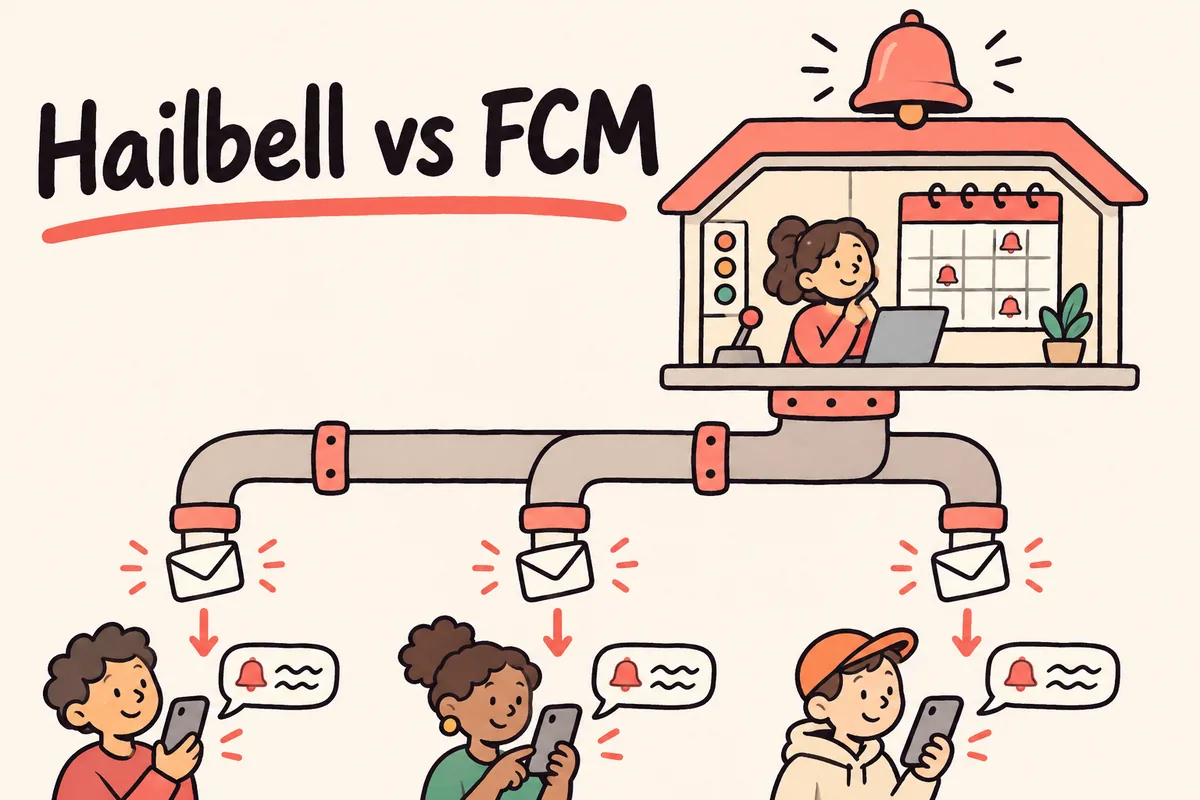
Hailbell is our product. This page isn't a fair fight in the usual sense, because Hailbell uses FCM: on Android, Hailbell sends every push through the FCM v1 API with your Firebase project's service account key. The real question is whether you need anything on top of FCM. For campaigns, you usually do, and Hailbell is that layer. Firebase facts come from firebase.google.com/pricing and the FCM docs, checked November 20, 2026.
Not really either/or
Every push to an app goes through the platform's own service. iPhones get push from Apple's APNs, Android phones with Google Play services get it from FCM, and browsers get it from Web Push. FCM can also forward to APNs for you, which is why many apps send to all three through Firebase alone.
Hosted services like OneSignal, Pushwoosh and Hailbell sit above those pipes. Hailbell talks to APNs directly with your .p8 key, to FCM with your Firebase service account, and to browsers with Web Push, which needs no key. So choosing Hailbell doesn't replace your Firebase project on Android. It replaces the server code you'd otherwise write to decide who gets what, and when.
At a glance
| Hailbell | Firebase Cloud Messaging | |
|---|---|---|
| What it is | Push campaigns plus a support chat for apps and websites, in one SDK | Google's free delivery service for push and data messages |
| Price | $29/mo for 10,000 monthly active users, $79 for 100,000, $299 for 500,000 | No cost; your sending server may cost money |
| Platforms | Swift (iOS 16+), Kotlin (Android 8+), Flutter, React Native, web | iOS, Android, web, Flutter, Unity, C++ |
| Who sends | Dashboard, REST API, AI agent over MCP | Your server through the Admin SDK or v1 API; a Notifications composer in the console |
| Each person's local time | A set clock time in each person's time zone, or the hour each person usually opens the app | The console composer can send at a time in each user's local time zone; sends from your server you schedule yourself |
| Quiet hours and caps | Quiet hours per device time zone; daily and weekly cap per person across iOS, Android and web | You build them |
| One campaign across iOS, Android and web | Yes; each signed-in person gets it once, on the device they used most recently | You build it |
| Weather and occasion variables | First name, city, local weather and today's occasion, with a rainy-day version | You build them |
| Audience by purchase | Plan status from Superwall, RevenueCat, Stripe, Dodo Payments or Polar (active, trial, cancelled, billing issue, expired) | You build it, or import segments |
| Automatic messages | Push a day after someone closes your paywall without buying; chat messages on a failed renewal or a cancel | You build them (Cloud Functions or your backend) |
| Support chat | Native in-app chat; AI answers first; you reply from the dashboard, Discord, Telegram or Slack | None |
| Silent and data messages | Silent background updates on iOS and Android, with up to 2 KB of your own data | Yes, up to 4,096 bytes |
| Topics and device groups | Segments and tags instead | Yes |
| Free trial | 14 days, no card, then a 14-day money-back guarantee | Free to use |
Where Hailbell is better: what it adds on top of FCM
- Timing on every plan. Send at a clock time in each person's own time zone, or at the hour each person usually opens your app. Promotional pushes respect quiet hours and a daily and weekly cap per person, counted across iOS, Android and web.
- One campaign, every platform. A campaign can cover an app's iOS, Android and web platforms, and each signed-in person gets it once, on the device they used most recently.
- Audiences from purchases. Filter by plan status from Superwall, RevenueCat, Stripe, Dodo Payments or Polar: active, trial, cancelled, billing issue, expired or none. A flash sale can skip people who already pay.
- Personal text. Variables like
{{first_name|there}}and{{city}}, a version for rainy days, and 2 to 5 versions per campaign where each person gets the one their own taps favour. - Automatic messages. A push a day after someone closes your paywall without buying (the app calls
Hailbell.track("paywall_decline")), cancelled if they buy first. A chat message when a renewal fails, and one asking why when someone cancels. - A place to write back. Someone taps your push and has a question. They ask in the app's chat, the AI answers first from your notes, prices and help articles, and you finish from the dashboard, a Discord or Slack thread, or your own Telegram bot, with their plan and purchases in view.
- Store reviews in the same place. New App Store and Google Play reviews arrive in Slack, Discord, Telegram and the dashboard, and a reply typed there is published on the store.
- Agents can run it. An AI agent such as Claude Code or Codex can preview and send campaigns over Hailbell's MCP server. Every send shows a preview of who it reaches before it goes out.
What you build yourself on FCM
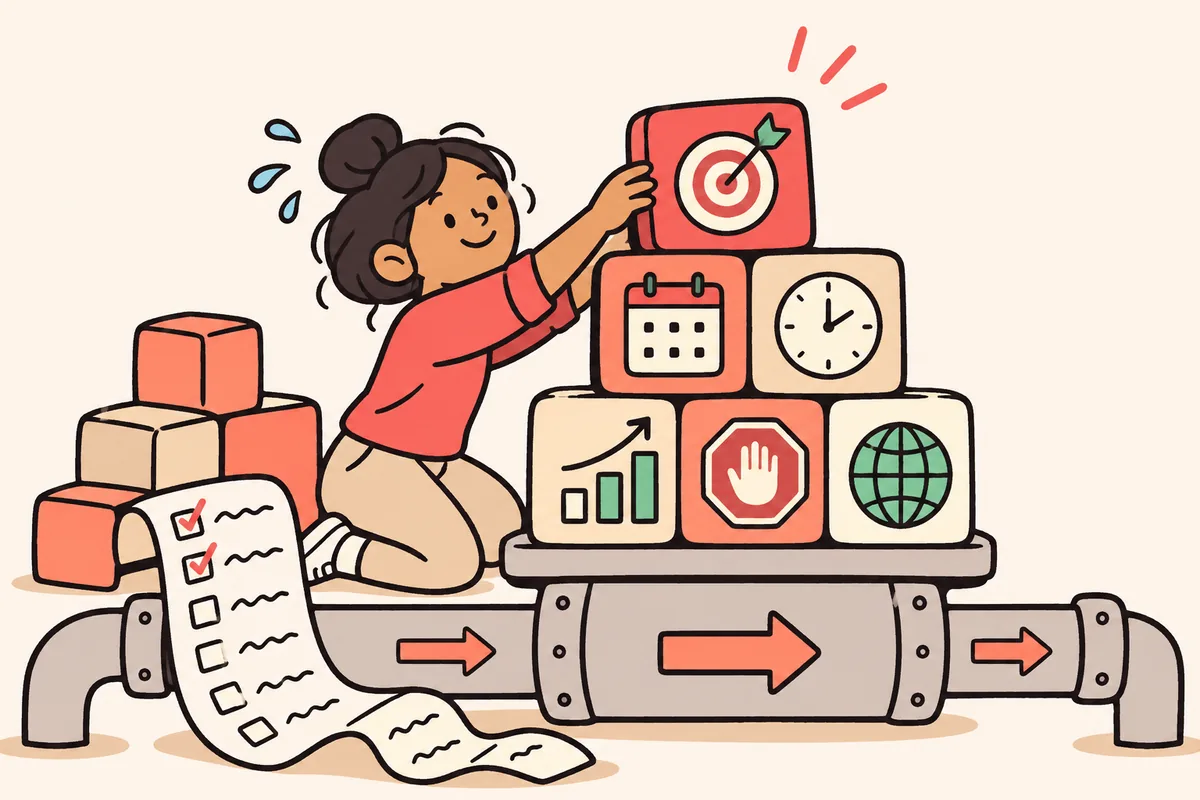
FCM delivers what your server hands it. For marketing and re-engagement pushes, that leaves a list of jobs to write and run:
- Store each device's token and time zone, and drop tokens Google says are dead.
- Schedule sends from your own code so they land at 9:00 in Tokyo and 9:00 in Toronto, or at each person's usual hour. The console composer does local time for campaigns typed by hand; triggered and API sends are on you.
- Hold promotional pushes during the night in each person's time zone, and count how many each person got today and this week, across their iPhone, Android phone and browser.
- Know who is on a trial, who cancelled and whose renewal failed, which means a webhook from Superwall or RevenueCat and a table to keep it in.
- Give whoever writes the campaigns a way to do it without a deploy.
None of it is hard, and many teams build it. It's a few days of work and then a server to keep running. Hailbell is that layer, already built.
When FCM alone is enough
- Your pushes are events your backend already knows about. A new message, a delivery update, a friend request. Your server has the user and the event, so one call to the FCM v1 API is all it takes. A hosted service adds little here.
- You send large data messages. FCM carries data payloads up to 4,096 bytes for background sync. Hailbell can send silent background updates with up to 2 KB of your own data, so for bigger payloads, or a sync your backend starts for one device, a direct FCM call is simpler.
- You're on Unity or C++. FCM has SDKs for both. Hailbell covers Swift, Kotlin, Flutter, React Native and the web.
- You live in Firebase already. The Notifications composer in the Firebase console sends now or at a time in each user's local time zone, targets by app version, language, user properties or Analytics audiences, and tracks conversion events. With Firebase A/B Testing, also free, you can test variants against goals like retention or purchase revenue. If someone on your team is happy in the console, that covers a lot of campaign work for nothing.
- Cost is the deciding factor. FCM costs nothing. Hailbell has no free plan, only a 14-day trial.
Hailbell also has no email, SMS or in-app message campaigns and no flow builder beyond its three automatic messages. It's new.
One limit applies to both. Android phones without Google Play services, such as recent Huawei phones, don't get FCM, so neither FCM nor Hailbell reaches them. If those users matter, look at a service with a Huawei SDK, such as OneSignal.
What it costs
FCM: $0. Your server, Cloud Functions or otherwise, is the cost, plus the hours to build the list above. Hailbell: Pro is $29 a month ($290 a year) for 10,000 monthly active users and Scale is $79 a month ($790 a year) for 100,000 and Business is $299 a month ($2,990 a year) for 500,000, with unlimited seats and apps, AI replies and the support chat included. A paid plan keeps working if you go over. If your apps pass the plan's limit two months in a row, we email you and you move to the plan that fits from your next renewal. Hailbell's 14-day money-back guarantee refunds your first payment in full if you ask within 14 days, as long as AI replies used under 20% of the plan's monthly AI allowance.
For a wider look at paid options, including OneSignal, Pushwoosh and Knock, see best push notification service for small apps and OneSignal alternatives.
How to choose
- For most apps and websites that send campaigns: Hailbell on top of FCM. Local-time and best-hour sends, quiet hours, caps and audiences by plan, without building them, plus a support chat.
- You sell subscriptions and want to target by trial, cancelled or billing issue: Hailbell.
- You want people who tap a push to be able to ask a question, and see what they paid when you answer: Hailbell.
- Pushes are triggered by your backend and you don't need campaigns: FCM alone.
- You need data payloads over 2 KB, Unity, or a free tool: FCM.
Try Hailbell free for 14 days, no card, or read the docs. You'll upload the same Firebase service account key you already have.
Questions
Is Hailbell better than Firebase Cloud Messaging?
They work together: Hailbell sends Android push through FCM. For running push campaigns on apps and websites, yes, Hailbell is the better choice. It adds sends at each person's local time or usual hour, quiet hours, daily and weekly caps, weather variables, audiences by plan status, one campaign across iOS, Android and web, and a support chat, for $29 a month for 10,000 monthly active users. FCM alone is the better choice for transactional pushes your backend already triggers when you want to pay nothing.
Is Firebase Cloud Messaging really free?
Yes. Google lists Cloud Messaging among Firebase's no-cost products. What it doesn't include is the server that decides who gets which push and when. You run that yourself, on Cloud Functions or your own backend, and that can cost money.
Does Hailbell replace Firebase on Android?
No. Hailbell sends Android push through the FCM v1 API using your own Firebase project's service account key, which you upload in its setup. It replaces the scheduling, targeting and campaign code you would otherwise write, not Firebase itself. On iOS it sends straight to Apple's APNs with your .p8 key, and on the web through Web Push.
Can FCM send a push at each user's local time?
From the Firebase console, yes: the Notifications composer can deliver at a future time in each user's local time zone. For sends from your own server through the API, FCM delivers when you call it, so you store each user's time zone and schedule the calls yourself. Hailbell sends at a set clock time in each person's time zone, or at the hour each person usually opens the app, on every plan.
When is FCM alone the better choice?
When your pushes are events your backend already knows about, like a new message or a shipped order, when you need data payloads over 2 KB or a sync your backend starts for one device, when you build in Unity or C++, or when the budget is zero. In those cases a hosted service adds little.
Does Hailbell reach Huawei phones without Google Play services?
No. Those phones don't get FCM, so neither FCM nor Hailbell reaches them with push. Hailbell's chat still works in the app. If those users matter, pick a service with a Huawei SDK, such as OneSignal.
Wondering whether FCM alone is enough for your app? Start a chat with us. It runs on Hailbell, so you see the product while you ask.

Vidur Saini
Vidur is the founder of Hailbell, in-app support chat and push notifications for iOS, Android and web apps. Questions about this article? Write to hello@hailbell.com or @vidursaini on X.