On this page
Hailbell is our product. Read the recommendation with that in mind. Firebase facts come from firebase.google.com/pricing and the FCM docs. OneSignal, Pushwoosh and Airship facts come from their own pricing pages, linked below, and their docs. All were checked between November 14 and November 24, 2026.
What FCM does, and what it leaves to you
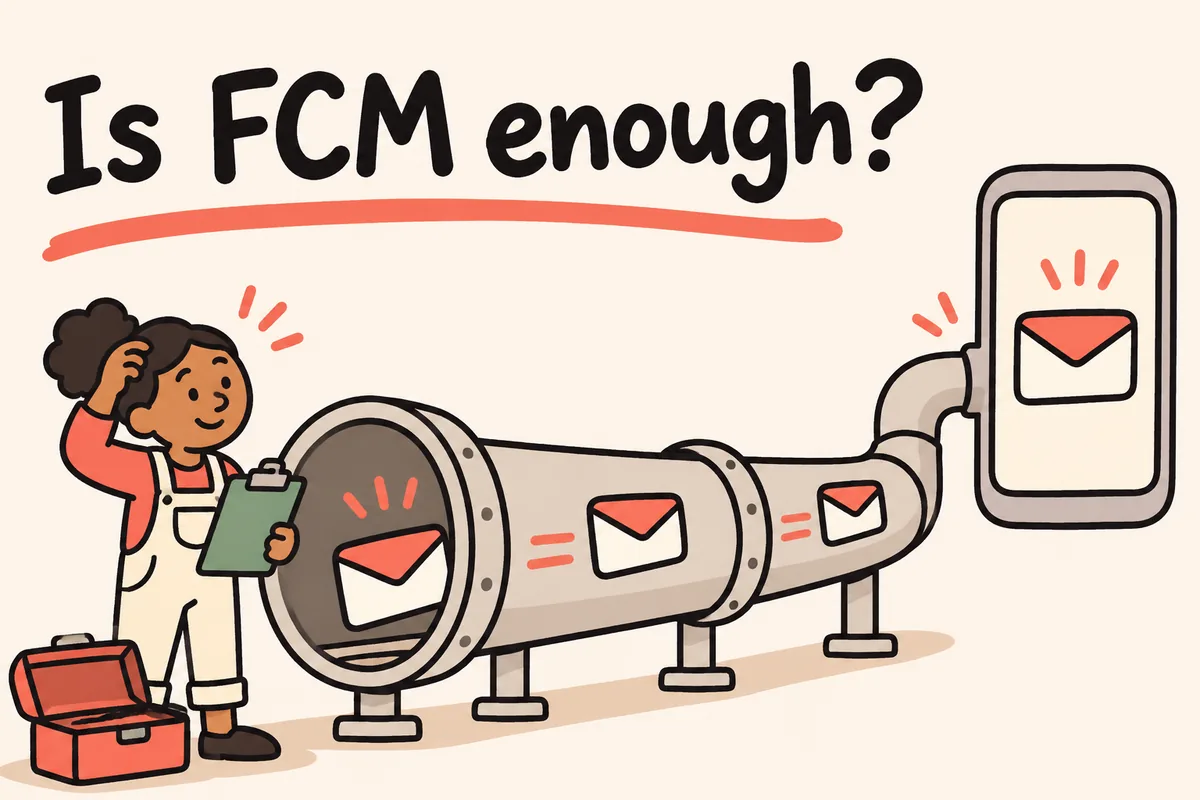
FCM is Google's free delivery service. Your server, or the Firebase console, hands it a message and a device token, and it gets the message to the phone. Android phones with Google Play services receive push only through it. It can also forward to Apple's APNs for iPhones and send Web Push to browsers. Payloads go up to 4,096 bytes, and it carries silent data messages for background work. Google lists it among Firebase's no-cost products.
That is the whole contract. FCM doesn't decide who should get a push, when, or how many is too many.
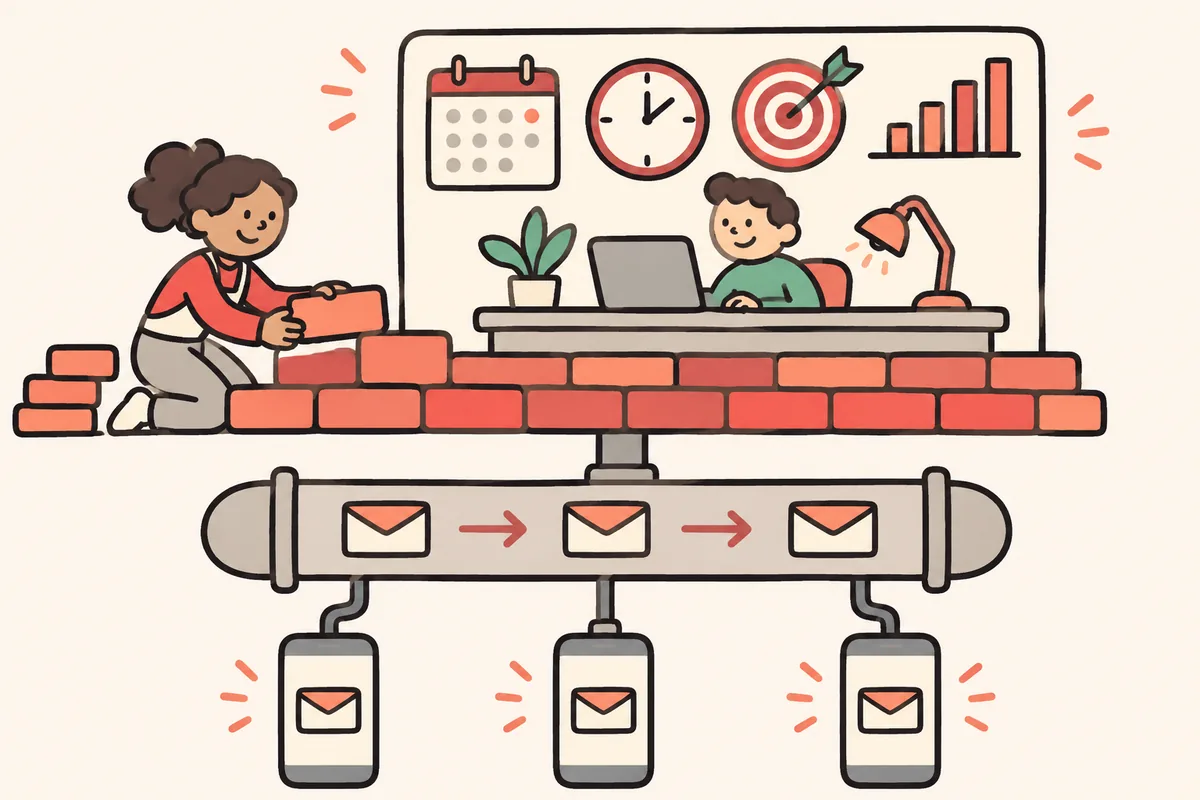
The Firebase console does more than people expect. Its Notifications composer can send now or at a time in each user's local time zone, target by app version, language, user properties or Analytics audiences, and track conversion events. Firebase A/B Testing, also free, can test versions. The catch is that this works only for campaigns someone types into the console. Anything your server sends through the API goes out the moment you call it, with no quiet hours, no caps and no time zone logic.
Five signs you've outgrown raw FCM
- Someone who isn't a developer wants to send pushes. A marketer, a founder, a client at your agency. If every campaign needs a deploy or a curl command, you need a dashboard, an API with guardrails, or both. The console helps until they want to target by plan status, like a trial ending or a cancelled subscription.
- Your users live in more than one time zone. A "new feature" push sent at 09:00 in New York lands at 19:30 in Mumbai and 01:00 the next morning in Sydney. For triggered and API sends you need each device's time zone and a scheduler that sends in waves.
- You send more than one kind of push. A streak reminder, a weekly digest and a sale on the same day add up fast. Once you have more than one sender, you need quiet hours and a per-person counter, or people turn notifications off. Count across the person's iPhone, Android phone and browser, not per device.
- You want to target by purchase. "Everyone on a trial that ends tomorrow", "people who cancelled last month", "skip anyone who already pays". That means webhooks from Superwall, RevenueCat or Stripe, a table to keep plan status in, and filters on top. FCM topics can't express it.
- People reply to your pushes. A sale push brings questions: does the discount stack, why was I charged, how do I restore my purchase. If the only answer path is an email address in settings, some of those people leave instead of asking. You need somewhere for them to write back, with their plan in view when you answer.
Two or more of these and FCM alone is costing you time or users. None of them? Stay where you are, and read who should stay on FCM.
Your three options on top of FCM
1. Push plus support in one SDK
That is Hailbell. The same SDK that registers the device for push also opens a native support chat, so the person who taps your sale push and has a question can ask it in the app, and you see their plan and purchases when you answer.
2. Build it yourself
Some teams do, and it is a fair choice if you have a backend and some time. The usual list:
- A device table: token, platform, user id, time zone, last seen. Delete tokens when FCM answers
UNREGISTEREDor APNs answers 410. - A scheduler that sends in waves by time zone, plus quiet hours that hold or drop promotional pushes at night.
- A counter per person per day and week, shared across their devices, that transactional pushes skip.
- Webhook handlers for your payment tool, and plan status on each user.
- One send per person when they have an iPhone and a browser, so nobody gets the same sale twice.
- A screen or script for whoever writes the campaigns, with a preview of who it reaches.
For one developer, expect a few days of work for the basics, more for the payment webhooks and the screen, and then a server to keep running.
3. A push and marketing platform
OneSignal, Pushwoosh and Airship add campaigns, segments and timing on top of the platform pipes. All three add email and SMS, which Hailbell doesn't have. OneSignal and Pushwoosh add multi-step journeys, and Pushwoosh and Airship add wallet passes. None of them has a support chat where your users can write back.
At a glance
| Hailbell | FCM alone | Build on FCM | OneSignal | Pushwoosh | |
|---|---|---|---|---|---|
| Price at 10,000 monthly active users | $29/mo flat | $0 | $0 plus your server and build time | $139/mo ($19 fee plus $0.012 per user) | $63/mo push only (offer for sign-ups by December 31, 2026) |
| Free way in | 14-day trial, no card | Free | Free | Free plan to 1,000 users | Free to 1,000 users |
| Local-time sends | Each person's time zone, or the hour they usually open the app | Console campaigns only | You build it | Timezone delivery on every plan | Yes; best time on paid plans |
| Quiet hours | Yes, every plan, in each device's time zone | No | You build it | Not found in docs | Yes (silent hours) |
| Caps per person | Daily and weekly, across iOS, Android and web | No | You build it | Select paid plans (pricing table: Enterprise) | Yes, 1 to 1,000 per 1 to 30 days |
| Audience by purchase | Plan status from Superwall, RevenueCat, Stripe, Dodo Payments, Polar | Analytics audiences and user properties; no trial or cancel status from your payment tool | You build it | RevenueCat tags and events | RevenueCat, Adapty, Qonversion, Stripe |
| In-app support chat | Yes, AI answers first, you reply from Discord, Slack, Telegram or the dashboard | No | You build it | No | No |
| Email, SMS, journeys | No | No | You build it | Yes | Journeys on every plan; email and SMS on Omnichannel |
| Huawei phones without Google services | No push | No | You build it | Yes | Yes |
How Hailbell works with your Firebase key
You don't move off Firebase. You add Hailbell next to it.
- Android. In the Firebase console, open Project settings › Service accounts, choose Generate new private key, and upload the JSON file under Settings › Push keys, then enter the Firebase project ID in Push › Setup. Hailbell checks the key with Google before saving it and stores it encrypted.
- iOS. Upload your APNs
.p8key. Hailbell sends to Apple directly rather than through FCM. - Web. Add
hailbell-push.jsand the small/hailbell-sw.jsservice worker to your site. Web Push needs no key from you. - In the app. Keep Firebase Messaging. On Android, pass the FCM token to
Hailbell.setPushToken, for example from yourFirebaseMessagingService'sonNewToken. On iOS, pass the APNs token fromdidRegisterForRemoteNotificationsWithDeviceTokentoHailbell.setPushToken. The Flutter and React Native packages have their own push guides. - Set the limits once. Set quiet hours, and a daily and weekly cap such as 1 a day and 3 a week, in Push › Setup › Limits. Transactional messages are never capped.
- Send. From the dashboard, the REST API, or an AI agent like Claude Code over Hailbell's MCP server. The dashboard shows how many people a send reaches as you write it, and an agent over MCP has to preview a broadcast before it can send. Variables like
{{first_name|there}}and{{city}}fill in per person, and you can write 2 to 5 versions so each person gets the one their own taps favour.
Hailbell can also send a push once someone closes your paywall without buying: you write it and turn it on, it waits 24 hours by default and then goes at the next hour the person usually opens the app, and your app calls Hailbell.track("paywall_decline"). It is cancelled if they buy first, when your app gives Hailbell the same user id it gives Superwall or RevenueCat. When FCM reports a token dead, Hailbell stops sending to it.
A mistake to avoid
Don't assume the console's local-time setting covers your triggered pushes. It covers campaigns typed into the composer. A reminder your server sends through the API at 09:00 UTC reaches Sydney at 20:00 and Hawaii at 23:00 the night before, with no cap stopping it from landing an hour after your weekly digest. Whatever you pick, put your API sends behind the same time zone, quiet hours and cap rules as your campaigns. Someone woken up by a push may turn notifications off for good, and then neither FCM nor anything on top of it can reach them.
Who should stay on FCM alone, and where the others are better
- Your pushes are all transactional. New message, payment received, order shipped. Your backend knows the user and the moment, so one FCM call is the right design.
- You send large data messages for background sync. FCM carries up to 4,096 bytes. Hailbell can send silent background updates with up to 2 KB of your own data, so for bigger payloads, or a sync your backend starts for one device, a direct FCM call is simpler.
- The budget is zero. FCM costs nothing. Hailbell has no free plan, only the 14-day trial. After that, its 14-day money-back guarantee refunds your first payment in full if you ask within 14 days, as long as AI replies used under 20% of the plan's monthly AI allowance.
- You build in Unity or C++. FCM has SDKs for both; Hailbell covers Swift, Kotlin, Flutter, React Native and the web.
- You need email or SMS from the same tool: OneSignal, Pushwoosh's Omnichannel plan or Airship. For branching journeys, OneSignal or Pushwoosh, which has journeys on every plan. OneSignal and Pushwoosh are also free up to 1,000 users.
- You have many users on Huawei phones without Google services. FCM can't reach them, and neither can Hailbell. A Hacker News commenter pointed out in September 2026 that phones without Play Services, as in China, are one reason wrapper services like OneSignal exist (HN). OneSignal and Pushwoosh have Huawei support.
Hailbell is also young, and it has no history import from other push tools. Devices register with Hailbell as people open an app version that has the SDK.
More reading: Hailbell vs Firebase Cloud Messaging goes deeper on the two side by side, and best push notification service for small apps covers the paid options.
Try Hailbell free for 14 days, no card, with the Firebase service account key you already have.
Questions
Do I need more than Firebase Cloud Messaging for push?
Not if every push is an event your backend already knows about, like a new message or a shipped order. You do once you send campaigns: sends at each person's local time, quiet hours, daily caps, audiences by trial or cancelled, one send per person across iOS, Android and web, and a way for someone other than a developer to send. FCM leaves all of that to you. Hailbell adds it on top of FCM for $29 a month for 10,000 monthly active users, with a support chat in the same SDK.
Is Hailbell better than raw FCM for push campaigns?
For campaigns on apps and websites, yes. Hailbell sends Android push through FCM with your own Firebase key, so it keeps FCM's delivery and adds local-time and usual-hour sends, quiet hours, daily and weekly caps per person, audiences by plan status, one campaign across iOS, Android and web, and an in-app chat for people who reply. Raw FCM is better for transactional pushes from your backend, data payloads over 2 KB, Unity or C++ apps, and a budget of zero.
Does a push service replace Firebase on Android?
No. Android phones with Google Play services get push through FCM, so hosted services send through your Firebase project. Hailbell uses the FCM v1 API with a service account key you upload. Your app keeps Firebase Messaging and passes its FCM token to the Hailbell SDK.
Can the Firebase console send at each user's local time?
Yes, for campaigns typed into the Notifications composer. Sends from your own server through the API go out when you call FCM, so you store each person's time zone and schedule the calls yourself. Quiet hours and daily caps aren't offered for API sends.
How long does it take to build campaigns on FCM yourself?
Expect a few days for a token table, a time zone column, a scheduler, quiet hours and a per-person counter, and more if you want audiences from Superwall or RevenueCat webhooks and a screen for non-developers. Then you run that server. It is a reasonable choice for a team with a backend and time; a hosted layer is quicker.
Not sure whether your app has outgrown FCM? Start a chat with us. It runs on Hailbell, so you see the product while you ask.
Vidur Saini
Vidur is the founder of Hailbell, in-app support chat and push notifications for iOS, Android and web apps. Questions about this article? Write to hello@hailbell.com or @vidursaini on X.