On this page
This week a founder asked on r/microsaas what people actually do to win back a customer who just cancelled. They had sent a short note asking what changed and offered a pause instead of a full cancel, and heard nothing back (thread). That's a good start. Here's the rest, for App Store and Google Play subscriptions, where the store owns the cancel button.
Hailbell is our product. One section near the end says where it helps and what it can't do. Everything before it works with any support tool, or with email.
The window you actually have
Checked November 20, 2026, on developer.apple.com and developer.android.com.
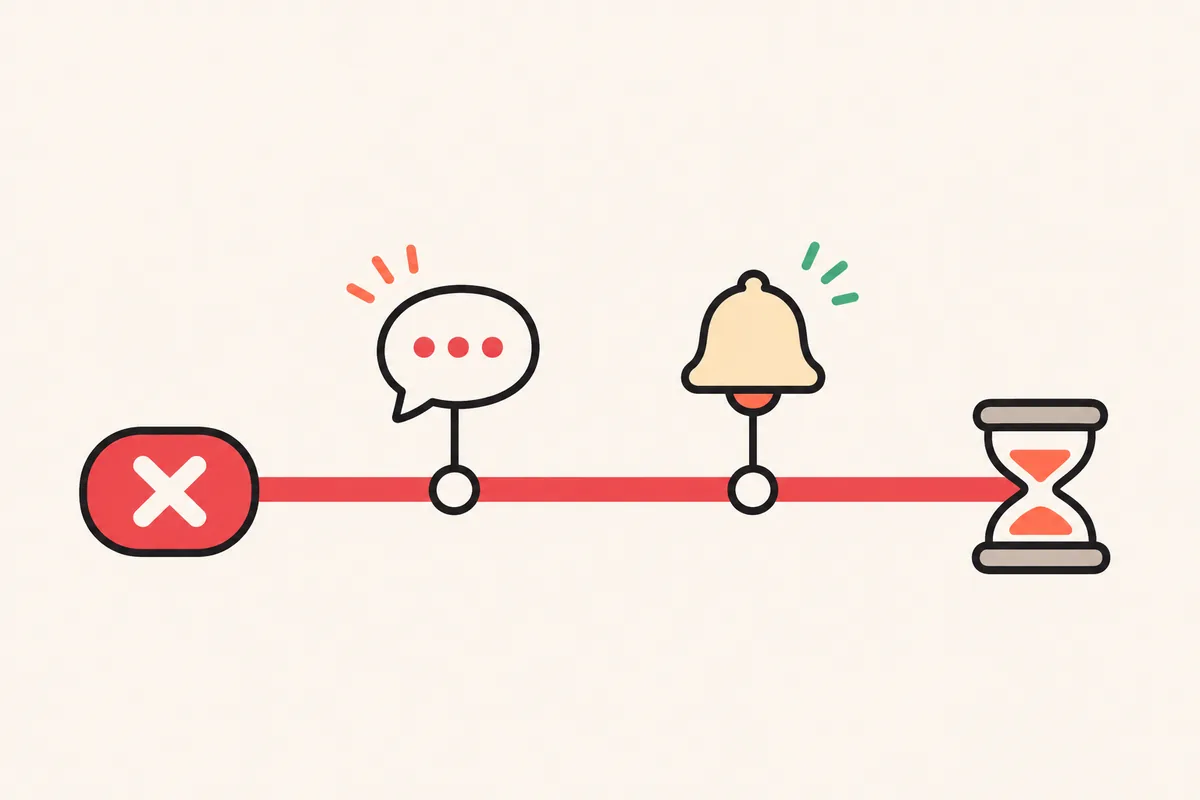
Cancel isn't the end On both stores, cancelling turns off the next renewal, and the person keeps access until the paid period ends. A monthly subscriber who cancels on day 5 still has about three weeks in your app.
App Store Apple's cancel flow lives in Settings › Apple Account › Subscriptions, or in the same sheet your app can open with showManageSubscriptions (iOS 15 and later). Apple's win-back offers are only for churned subscriptions: an expiration date in the past and auto-renew off. Apple's Retention Messaging API, which shows your message on the Confirm Cancellation screen, is a pre-release you have to request access to.
Google Play Pause is on by default for every subscription. A user can pause for one week up to three months, depending on the billing period, and it starts when the current period ends. You can set up retention offers, a discount Play shows eligible subscribers when they try to cancel. Google's own guide also suggests a push or in-app message between the cancel and the expiry. Play can show a Resubscribe button after expiry, and you can create developer-determined offers (such as 50% off for three months) that your app decides who sees, for lapsed subscribers.
Why people cancel, and what each reason needs
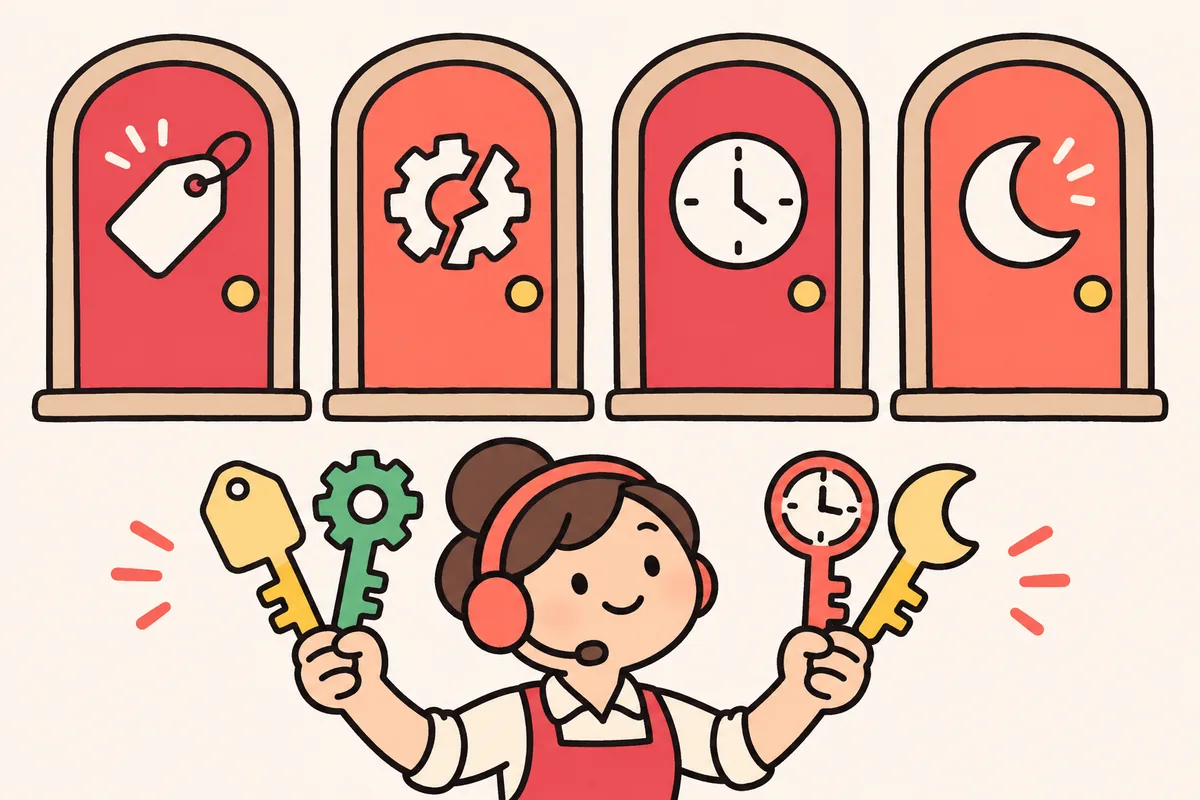
Most cancels fall into a few buckets. Each one needs a different reply, and only one of them needs a discount.
- "Too expensive for how much I use it." Still likes the app. A cheaper plan or a pause can keep them.
- "Something didn't work." A bug, or a feature they couldn't find. Fix it or point to it. An offer here reads as a bribe to ignore the bug.
- "It doesn't do X." Write it down. If you build it, you have a real reason to write again.
- "I'm done." The exam is passed, the trip is over. Let them go nicely.
- "I didn't mean to pay." That's a refund conversation, not a win-back. See how to handle refund requests.
A webhook can't tell you which one it is. You have to ask.
1. Make the cancel moment visible, inside and outside the app
There are two places to catch it.
Inside the app. Put a "Manage subscription" row in Settings that opens the store's own sheet, and next to it, not in front of it, a way to reach you. Someone cancelling over a bug now has a short path to you. Don't put a survey or confirm screen before the store sheet; it annoys exactly the people you hope to keep.
// Settings › Subscription
import SwiftUI
import Hailbell

struct SubscriptionSection: View {
    @State private var manage = false

    var body: some View {
        Section("Subscription") {
            Button("Manage subscription") {
                Hailbell.track("manage_subscription_opened")   // optional, for a push segment later
                manage = true
            }
            Button("Something not working? Chat with us") {
                Hailbell.shared.open()
            }
        }
        .manageSubscriptionsSheet(isPresented: $manage)
    }
}
On Android, link to the Play Store's subscriptions page for your app instead.
Outside the app. RevenueCat sends a CANCELLATION event and Superwall sends its own cancel events. Make sure a cancel reaches a person, not only a revenue chart.
2. Ask one question, and make replying easy
Send it within a day of the cancel, while they still remember why. Keep it short, ask one open question, and don't attach an offer yet:
Saw you cancelled, no problem, you keep access until 12 December.
If you have a second: what made you cancel? I read every reply
and it helps me decide what to fix next.
Where you send it matters more than the wording. Many app users signed in with a hidden relay address or no email at all. A message in the app's chat, with a push to bring them to it, reaches them where they use the app, and replying is like answering a text.
3. Answer the real problem first
- A bug: say you've reproduced it, and give a date or a workaround.
- "I couldn't find how to do X": give the steps, with the exact screen and button names.
- A missing feature: say honestly whether it's coming, and keep a list of who asked.
- "I'm done": thank them, and say what stays free, if anything.
None of these include a discount. The cancels you can win back are mostly won by fixing something.
4. Offer a different plan, only when price was the reason
If they said it costs too much and they still use the app, now an offer is fair. Pick the one that fits the store and where they are in the cycle:
- Cancelled but not expired, iOS: a cheaper plan in the same subscription group, or a promotional offer, which Apple lets you give to current and lapsed subscribers.
- Cancelled but not expired, Google Play: a cheaper base plan, or, if they restore the subscription, a pause for "not using it right now".
- Expired, iOS: an App Store win-back offer. You set eligibility in App Store Connect, and Apple can also show it in the App Store and subscription settings.
- Expired, Google Play: a developer-determined offer that your app shows to people your logic says are lapsed.
Send it as a button under your message that opens the paywall showing the offer. Offer once. A bigger discount a week later teaches people that cancelling is how you get the real price.
5. Follow up once, at a sensible time
One follow-up is fine when you have something new to say: the bug is fixed, the feature shipped, or their access ends tomorrow and your offer still stands. More is chasing. Send it as a push that opens the chat, at an hour they usually use the app, and cap promotional pushes per person so it never stacks on a sale campaign.
The sync bug you told me about is fixed in 2.4, out today.
Your access runs until 12 December if you want to try it.
When not to chase
- They asked for a refund. Handle the refund first (Apple decides on iOS; you can refund Google Play orders). An offer in reply reads as stalling.
- They said no. "No thanks" ends it.
- They're angry. Answer the problem and don't sell.
- You'd be gating a review. Never tie an offer to a rating, and don't ask only happy people. Both stores forbid it. See getting more App Store reviews.
Mistakes to avoid
- Leading with a discount. You pay people who would have stayed for a bug fix, and learn nothing.
- Waiting for the expiry. Talk on the day of the cancel, while they still remember why.
- Not writing the answers down. Ten cancels for the same reason is a product decision (more on that).
Where Hailbell helps
Hailbell is in-app support chat and push notifications for iOS, Android and web apps. For cancels, these parts matter:
- It asks why, by itself. Turn on the cancel question in Push › Setup and write it once. When Superwall, RevenueCat, Stripe, Dodo Payments or Polar reports a cancel, your question lands in the customer's chat as a message from your team, with the usual push, at least an hour later and during their daytime. Someone who never wrote gets a new chat. It skips people who resubscribed, got a refund or talked with you in the last day, and asks each person at most once every 180 days. Trial cancels and refunds can get their own wording. That's step 2 without a script.
- You can see who cancelled. Connect Superwall or RevenueCat webhooks and each chat shows the customer's plan and whether it's active, a trial, cancelled, expired or in a billing issue, plus what they've spent and their country. If you sell on your website, Stripe, Dodo Payments or Polar can feed the same details.
- You can write first. Press New message in the dashboard inbox and paste their user ID, email, Superwall or RevenueCat ID, or have an AI agent do it over MCP with
start_conversation(it drafts the message for a teammate to send, unless an admin lets agents send). The message waits in the app's chat, with a push if their app has notifications on, and they can reply right there. Replies reach you in the dashboard, Discord, Telegram or Slack. - The AI answers the "how do I" replies from your notes, prices and help articles (including a "Refunds and cancelling" field), and hands anything else to you.
- Offer cards for step 4. Send a message with a button that opens one of your paywall placements, from the dashboard, with
!offerin Discord, or the Send an offer menu in Slack. The AI can attach one of your offers when a customer says the app costs too much. Its instructions rule out refund requests. - Pushes for step 5. Send to people by plan status (active, trial, cancelled, billing issue, expired, never bought, from Superwall, RevenueCat, Stripe, Dodo Payments or Polar), by tags, or by an event your app tracked (such as
manage_subscription_openedin the last 48 hours), at each person's usual hour or local time, with quiet hours, a daily and a weekly cap per person, and a setting that skips most sends to people who have ignored several of your marketing pushes.
The gaps, honestly:
- The cancel question is one message, not a sequence. Follow-ups after it are yours to send, from the chat or as a push to the cancelled plan status.
- Both the question and the plan filter need a Superwall, RevenueCat, Stripe, Dodo Payments or Polar webhook, and reach only people Hailbell can match to a purchase by the user ID your app gives it. A web purchase matches by the email or user ID your site passes to the chat, never by an email someone types into the chat.
- Hailbell doesn't create App Store win-back offers, promotional offers or Google Play offers. You set those up in App Store Connect and Play Console; Hailbell's offer card opens the paywall that shows them.
- Purchase details need Superwall, RevenueCat, Stripe, Dodo Payments or Polar. Without them, the chat shows the device, country and anything your app passes as metadata, such as a plan name.
Pro is $29 a month for 10,000 monthly active users, with unlimited seats and apps. There's a 14-day trial with no card, and a 14-day money-back guarantee on the first payment: ask within 14 days, while AI replies have used under 20% of the plan's monthly AI allowance. Try Hailbell or read how purchase details work.
Questions
Can I stop a user from cancelling their subscription inside my app?
No. On iOS and Android the cancel happens in the store's subscription settings, and you shouldn't put anything in the way. You can add a Manage subscription row that opens the store's own sheet, and a chat link next to it for people who have a problem you could fix.
When can I use an App Store win-back offer?
Only after the subscription has churned: Apple defines that as an expiration date in the past with auto-renew off. You set eligibility rules in App Store Connect. Between the cancel and the expiry, the person is still a subscriber, so the tools there are a conversation, a plan change or a promotional offer.
Can users pause a subscription instead of cancelling?
On Google Play, yes. Pause is on by default and lasts from one week to three months depending on the billing period; it starts when the current period ends. The App Store has no pause, so on iOS the honest answer is to cancel and resubscribe later.
How many times should I follow up after a cancel?
Once in the chat, and at most one push later if they asked for something you then built or fixed. If they say no, stop. Someone who clearly said no and keeps getting offers is more likely to leave a bad review than to come back.
Where cancels sit among the other moments users quit is covered in reducing app churn with in-app support, and the paywall side in talking to users who leave at the paywall.
Questions about winning back cancelled subscribers from your support chat? Start a chat with us.
Vidur Saini
Vidur is the founder of Hailbell, in-app support chat and push notifications for iOS, Android and web apps. Questions about this article? Write to hello@hailbell.com or @vidursaini on X.