On this page
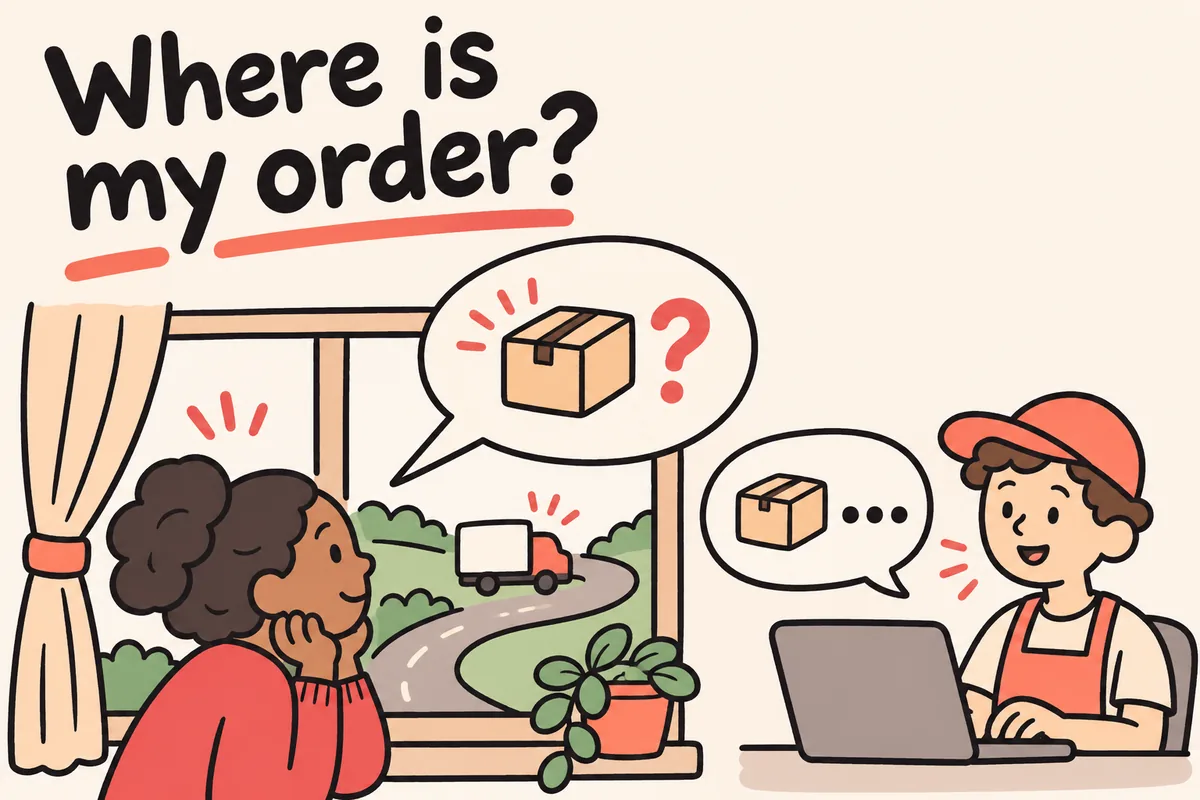
After the sale, the questions change. Shoppers are no longer asking whether the jacket runs small. They want to know whether the box has left you, where it is, and what you will do if it does not arrive. A vague "it's on the way" reply, or a bot that guesses a date, makes this worse.
This guide is about that post-purchase chat. It is not a setup walkthrough. For installing chat on the storefront, see how to add live chat to your Shopify store. For refunds once you have decided to issue one, see how to handle refund requests, and follow your own returns policy and Shopify's refund tools.
Hailbell is our product, and it has a Shopify app that can show a logged-in shopper's recent orders beside the chat. A short section near the end covers where it fits. The templates and the Shopify setup steps work with whichever chat app you use.
Stop repeat questions before they reach chat
The cheapest "where is my order?" ticket is the one you never get. Shopify already has the surfaces most shoppers should use first.
Shopify's help on order tracking says that after you add a tracking number to a fulfilled order, customers can follow the delivery through the order status page, shipping emails, and the Shop app. They can open the order status page by signing in to their customer account, clicking the tracking link in the shipping confirmation email, or entering their order confirmation number and verifying their email or phone number.
Do these, in this order, before you write a single saved reply:
- Add a tracking number when you fulfill the order. Shopify's order tracking help says you can add it automatically when you buy a label in the Shopify admin, or enter it manually. If a third-party fulfillment app ships for you, check that it actually sends the number back to Shopify. A fulfilled order with no tracking number cannot be followed on the carrier's side.
- Leave shipping notifications on, unless you have a reason to turn one off. Shopify's help on customer notifications says a shipping confirmation is sent when you fulfill an order, and a shipping update is sent when tracking information is updated. You manage those under Settings > Notifications > Customer notifications. You can turn off the confirmation on a single fulfillment, or turn off Out for delivery and Delivered emails in that notifications list. Most stores should keep them on.
- Know the SMS gap. Shopify's help on order status pages says a customer who enters a phone number at checkout gets an order confirmation by SMS, and a customer who enters an email gets an order confirmation by email, followed by order and shipping updates. Order and shipping updates are not sent by SMS. You can offer customers who entered a phone number the choice to opt in to those updates by email. If most of your buyers check out with a phone number only, expect more "where is it?" chats unless you collect an email or point them to the order status page another way.
- Tell people how to open the order status page. Put a short note in the order confirmation and in your chat welcome: order number plus the email or phone used at checkout, or a sign-in to their customer account.
The Shop app is another official path. Shopify's order tracking help says it can show order status updates, push notifications for shipping milestones, live map tracking and estimated delivery dates, and that store orders sync to a customer's Shop account. To show a Track with Shop link on the mobile order status page, that page says to go to Sales channels > Shop > Settings and manage Track with Shop in checkout settings.
Read the order status before you type
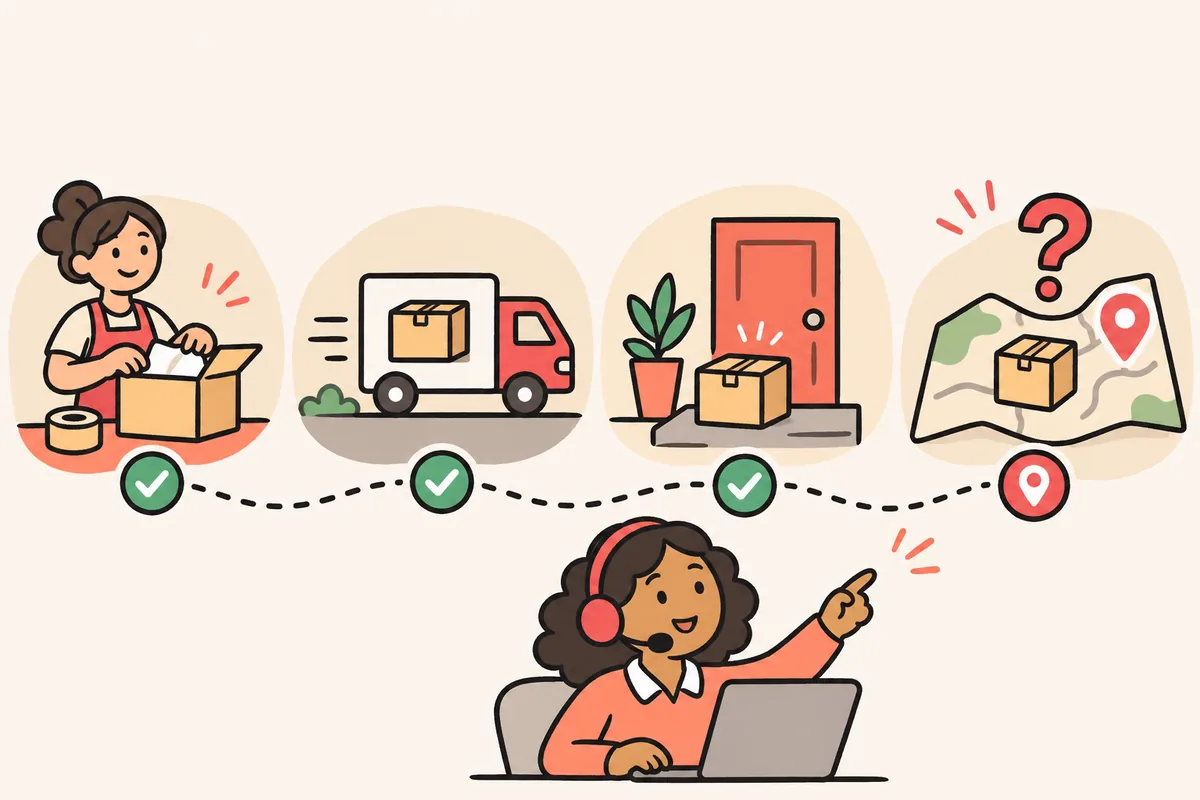
Open the order in Shopify first. Then reply. The status on the page is what you should describe, not a date you hope is true.
Shopify's help on how order status pages work lists these statuses, and says that with a supported carrier the page can update in real time, including a map of the shipment:
| Status on the order status page | What Shopify's help says it means | What you should do in chat |
|---|---|---|
| Confirmed | The customer created the order, but the shipment is not in transit yet. | Say whether you have fulfilled it yet, and when you usually ship. Do not invent a delivery day. |
| On its way | You marked the order fulfilled or partially fulfilled, and the carrier reported that the shipment is in transit. | Share the tracking link and the last scan you can see. Ask them to use the order status page for live updates. |
| Out for delivery | The shipment arrived in the customer's area and is out for delivery. | Confirm that, share tracking, and tell them what to do if it is not there by the end of the day, according to your policy. |
| Delivered | The customer received their shipment. | That is the carrier's scan. If they have it, great. If they do not, treat it as an exception (see below). Do not argue with them about the carrier's scan alone. |
| Attempted delivery | The carrier tried to deliver and was unsuccessful. | Share the carrier's next-step instructions (pickup point, redelivery, a card left at the door) if you have them. |
Two details from Shopify's help are easy to miss:
- The order status page help says a fulfilled order stays on Confirmed until the carrier reports that the shipment is in transit. If you fulfill without a tracking number, no shipping updates are received, so the status remains Confirmed, and you can mark the order as delivered when it arrives so the customer can see that it got there.
- Shopify's separate order tracking help says that if you ship without a tracking number and do not mark the order as delivered, the order remains in the On its way status on the order status page.
Those two pages describe the empty-tracking case slightly differently. The practical point is the same: without a tracking number, the customer cannot follow the carrier, and the status page cannot do much. Add the number when you have it. Shopify's order status help also says the page works with partial fulfillments, including different carriers, by adding a section for each fulfillment. If you split a shipment, say so in chat, and send a link for each part.
If you use an unsupported carrier, that page says the order status is not displayed and the map pin does not update in real time. Instead, the tracking number links out to the carrier's website.
Reply templates that match the status
Write these in your voice, and replace the brackets with facts from the order. Never promise a date your carrier and your shipping settings do not support. If you can see the order beside the chat, you should not start with "what's your order number?"
The order is confirmed, and you have not shipped yet
I've got your order [order number] here. We haven't handed it to the carrier yet. We ship from [location] within [X] business days of [the order date / payment]. I'll send your tracking link as soon as it is in the system, and you can also follow it on the order status page from your confirmation email. Is there a date you need it by? I'll tell you honestly whether that is realistic.
You have just added tracking
Your order [order number] now has tracking: [link]. Shopify also emails you when tracking is added, so check your inbox (and spam). The order status page in that email will update as the carrier scans the package. I'll stay on this chat if anything looks stuck.
The status is "On its way"
Your order [order number] is in transit with [carrier]. The latest scan I can see is [location / event] on [date]. Here's the tracking link: [link]. The order status page in your shipping email is the best place to watch for the next update. If there are no new scans for [your threshold, for example two business days], write back and I'll look at it with the carrier.
The status is "Out for delivery"
Your order [order number] is out for delivery with [carrier] today. Tracking is here: [link]. If it hasn't arrived by the end of the delivery window the carrier shows, tell me and I'll help with their next step. If someone else at the address might have taken it in, it's worth a quick check there too.
The carrier attempted delivery
The carrier tried to deliver order [order number] and couldn't complete it. Tracking is here: [link]. That page, or the card they left, should say whether they will redeliver, hold it at a pickup point, or need a new instruction. If you tell me what it says, I can help you take the next step. I don't want this to go back to us if we can still get it to you.
The order was split
Order [order number] is coming in more than one shipment. [Item A] is [status + tracking]. [Item B] is [status + tracking]. Each one has its own section on your order status page. Sorry this wasn't obvious from the first email. I'll watch both.
How to find the order status page, when they are lost in their inbox
You don't have to wait on me for the latest scan. Open the order confirmation or shipping email we sent to [email], and use the order status / tracking link. If that link asks you to confirm who you are, Shopify expects the order number plus the email or phone used at checkout, or a sign-in to your customer account. If you can't get in, stay here and I'll read the status with you.
Late, lost, or marked delivered when they don't have it
These are not canned-response jobs. Open the order, the tracking page and your policy, then write as a person.
- No movement. If the carrier has not scanned the package for longer than you are comfortable with, say what you can see, say what you will do next (contact the carrier, open a claim, wait one more business day), and give a time they will hear from you. Do not fill the silence with a made-up ETA.
- It says Delivered, and they do not have it. Ask them to check with anyone who shares the address, usual drop spots and neighbours, and look at the carrier's delivery photo or notes if those exist. If it is still missing, follow your policy: a claim with the carrier, a wait window you actually use, then a reshipment or a refund. Believe the customer while you investigate. The scan is a clue, not a verdict.
- Damaged or missing items. Ask for photos if that is part of your process, then offer the remedy you really offer (replacement, partial refund, full refund). Do not make them repeat the story three times.
- They want a refund. Follow the policy you published, and be explicit about whether the package should be returned, refused, or kept. If money is leaving the store, a person should send that reply.
Shopify's order tracking help also notes a few tracking quirks that are worth knowing before you blame the customer or the carrier in chat: some cheap services have no tracking number at all; during busy periods some carriers reuse tracking numbers, so an old shipment's events can show up until a new scan arrives, and sometimes after, in which case contact the carrier; and a detected carrier can be wrong if you did not pick one from the dropdown. If the page looks impossible, check those before you escalate.
I've looked at order [order number] with you. The carrier has it marked as [status] since [date], and you still don't have it. I'm sorry. Here's what I'll do today: [contact the carrier / open a claim / check the address and fulfillment]. I'll write back by [time, in their timezone if you know it] with either an update or a decision on a replacement or refund, as in our policy: [link]. You don't need to chase me in the meantime.
What an AI can answer, and what it must not
A saved reply or an AI-first answer is fine for directions: how to open the order status page, your usual processing time, which email the confirmation comes from. It is not fine for a specific package in trouble.
Our guide to adding live chat uses a simple rule: let AI answer what is written down, and send everything else to a person. That includes anything about a specific order that is late, lost or damaged, plus refund requests and complaints. The same rule applies here. If you use AI, give it your real shipping and returns text, make it hand off when it is unsure, and never let it invent a delivery date or a remedy you do not offer.
Where Hailbell fits
Hailbell is our product. Hailbell Live Chat is on the Shopify App Store. For this kind of chat, the useful part is that you can see the order while you reply.
What the app does that matters here:
- Shoppers can write without an account. When a shopper is logged in, the chat knows who they are, follows them across devices, and shows you their recent orders with payment and fulfillment status beside the conversation, so "where is my order?" does not start with "what's your order number?"
- AI can answer common questions from notes and help articles you write, and hands off to you when it is unsure. Keep late, lost, damaged and refund cases on the human side.
- You reply from your Shopify admin, the Hailbell dashboard, or Discord or Telegram.
- If a shopper misses your reply, and email replies are turned on, it goes to their email.
- Order questions sent to your support email can land in the same inbox once you forward that address to the inbox address under Settings › Email.
On hailbell.com, Pro is $29 a month, for up to 10,000 monthly active users, and Scale is $79 a month, for up to 100,000 monthly active users, with unlimited teammates on both. Hailbell has a 14-day free trial and a 14-day money-back guarantee on the first payment if AI replies used less than 20% of the plan's monthly AI allowance; the terms are on the pricing page. Shopify bills app charges in your store's billing currency, so check the listing for the price in yours.
Hailbell is newer and smaller than a full helpdesk. If you need ticketing across phone and social channels for a large team, a helpdesk is a better fit. If you want shoppers to get answers on the page, and you want their orders next to the chat when they write, try Hailbell on your store.
Questions
Where do Shopify customers track an order?
Shopify's order tracking help says customers can follow a shipment on the order status page, in shipping notification emails, and in the Shop app, once you add a tracking number to a fulfilled order. They can open the order status page from a customer account, from the tracking link in the shipping confirmation email, or by entering the order confirmation number and verifying their email or phone number.
What statuses appear on the Shopify order status page?
Shopify's help on how order status pages work lists: Confirmed, On its way, Out for delivery, Delivered, and Attempted delivery. For a supported carrier, the page can update in real time. If you fulfill without a tracking number, that page says no shipping updates are received, so the status remains Confirmed, and you can mark the order as delivered when it arrives.
Do customers get shipping updates by SMS?
Not automatically. Shopify's help on order status pages says a customer who enters a phone number at checkout gets an order confirmation by SMS, and a customer who enters an email gets an order confirmation by email, followed by order and shipping updates. Order and shipping updates are not sent by SMS. You can give customers who entered a phone number the choice to opt in to those updates by email.
Should AI answer a where-is-my-order chat on its own?
Only when the answer is already written down, such as how to open the order status page or what your usual processing time is. A specific order that is late, lost, damaged, marked delivered when the customer does not have it, or that needs a refund or a reshipment should go to a person. Do not let software invent a delivery date.
How do I cut down these chats before they start?
Add a tracking number when you fulfill the order, keep Shopify's shipping confirmation and shipping update emails on, and tell customers how to open the order status page. Shopify's customer notification help says those emails are sent when you fulfill an order and when tracking information is updated, and you manage them at Settings > Notifications > Customer notifications.
Does Hailbell show the order next to the chat?
When a shopper is logged in, Hailbell Live Chat can show their recent orders, with payment and fulfillment status, beside the conversation, so you do not have to start by asking for an order number. Guests can still write without an account. Hailbell has a 14-day free trial and a 14-day money-back guarantee on the first payment if AI replies used less than 20% of the plan's monthly AI allowance.
See the order before you ask for the order number. Hailbell Live Chat is on the Shopify App Store.
Questions about chat on your store? Start a chat with us.

Vidur Saini
Vidur is the founder of Hailbell, in-app support chat and push notifications for iOS, Android and web apps. Questions about this article? Write to hello@hailbell.com or @vidursaini on X.